
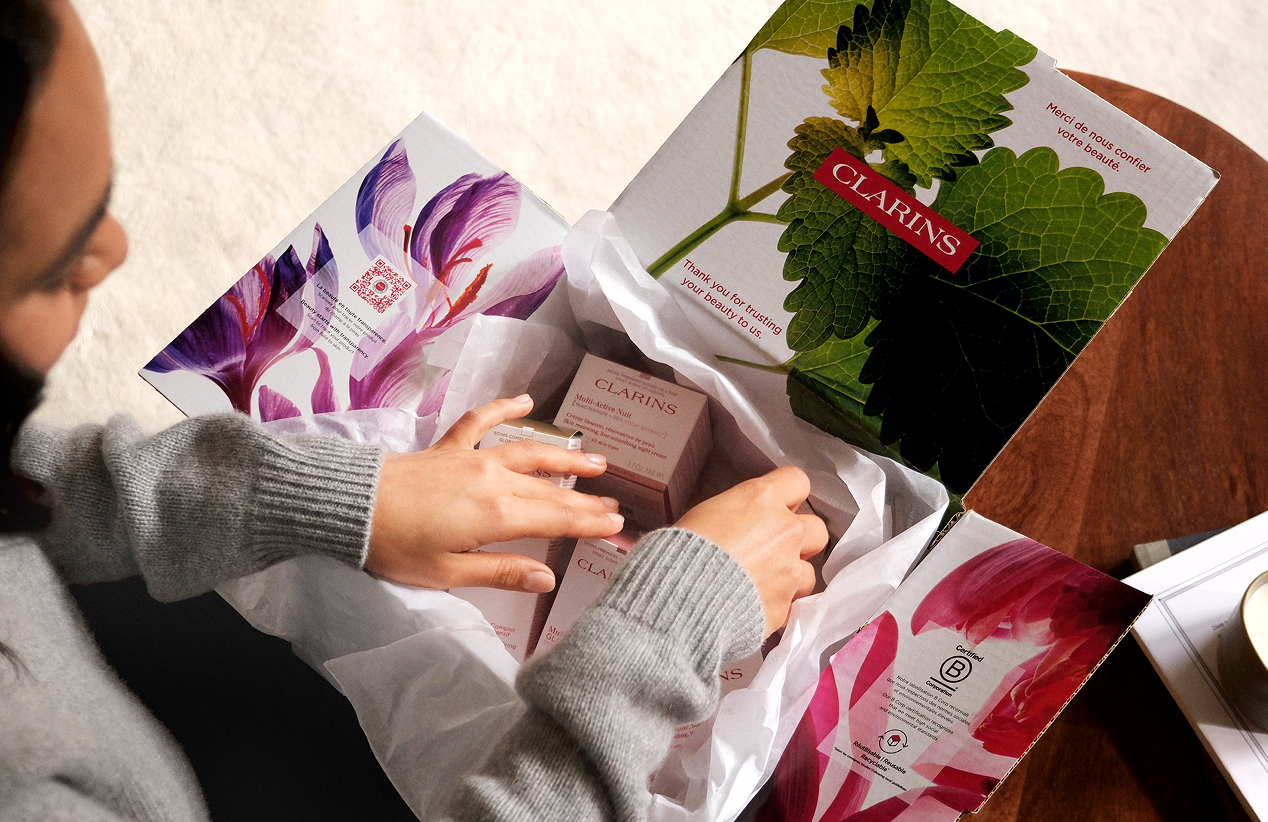
You never have to worry about running out of your favorite Clarins products!
How does it work?
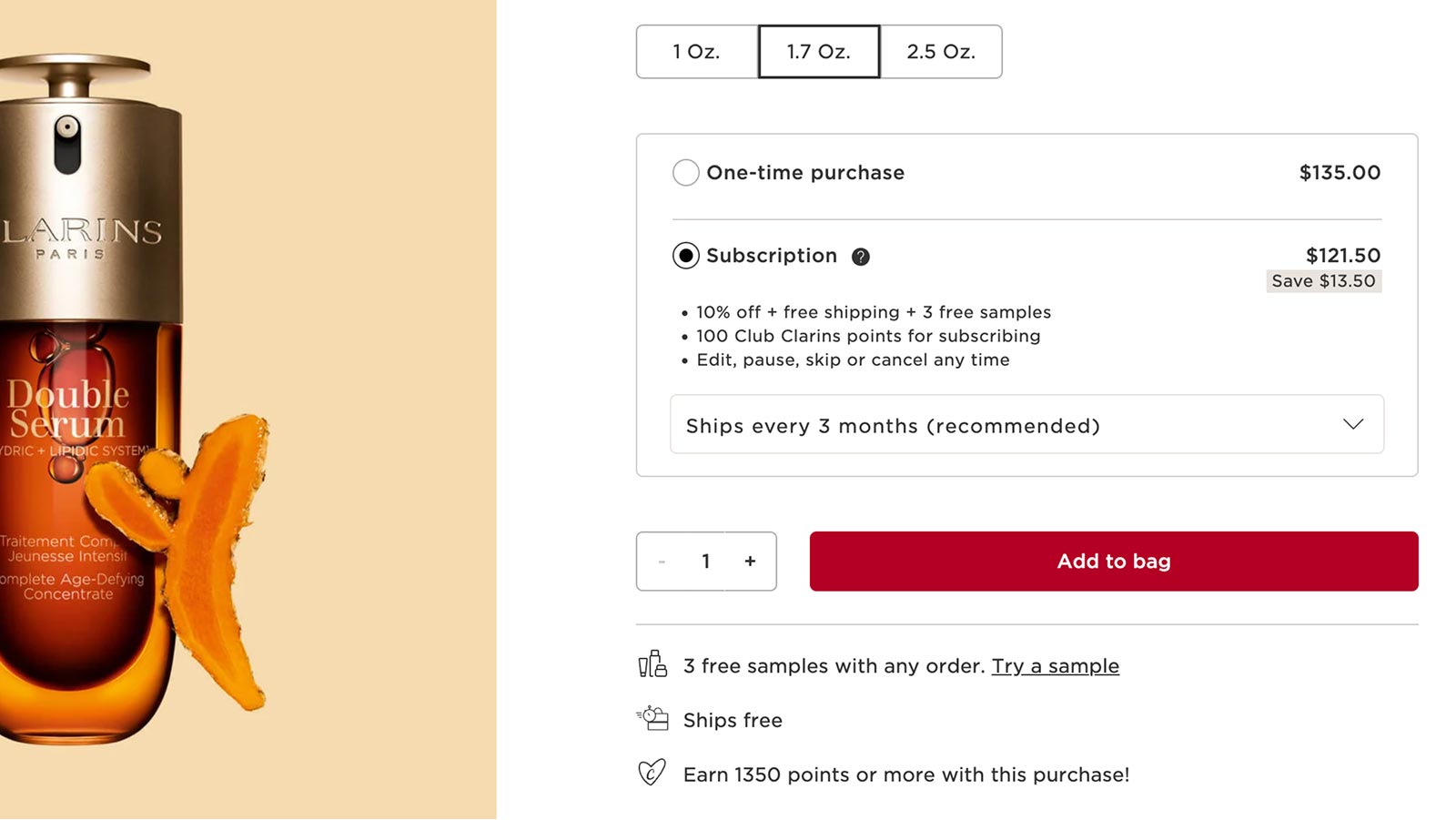
Shop & Schedule
Select the Subscription option for your desired product and choose your preferred shipment frequency on the product page or at check-out.
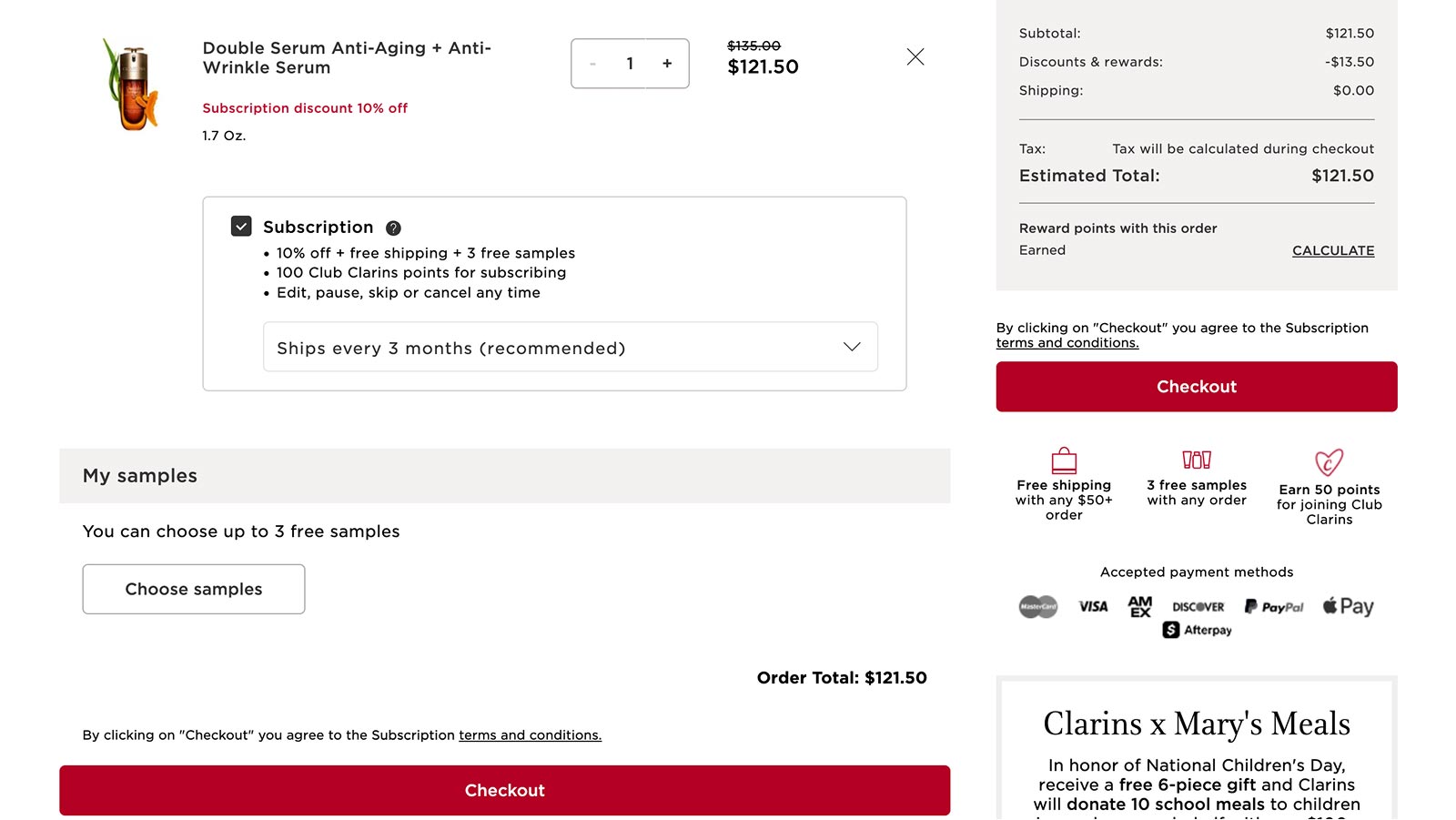
Check-out
Check out while logged into your Clarins account and enjoy 10% off and free shipping.
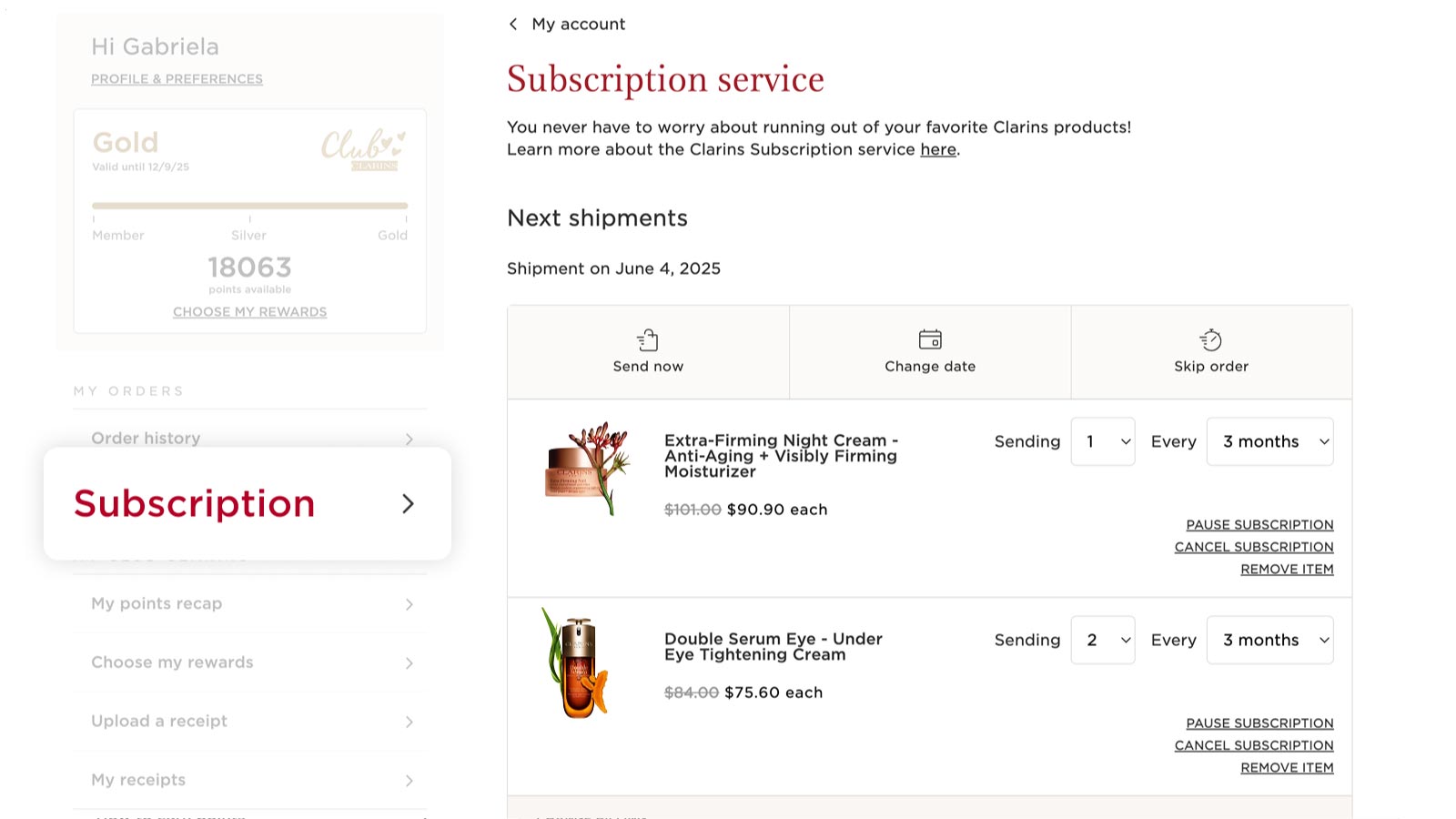
Manage
Update your subscription preferences anytime by clicking "Manage subscriptions" within your account.

Sign up for free to access exclusive perks like Auto-Replenish
Subscription advantages


Subscription favorites
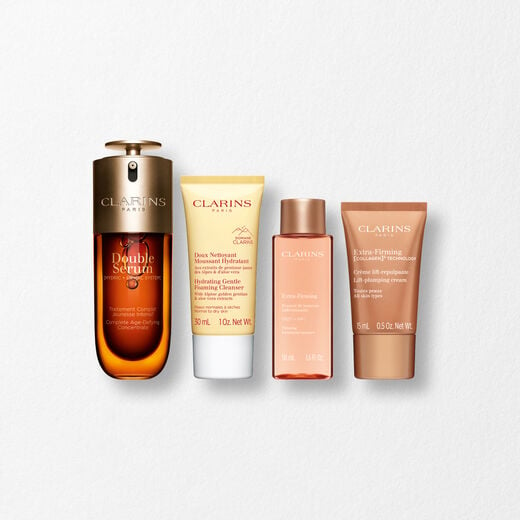
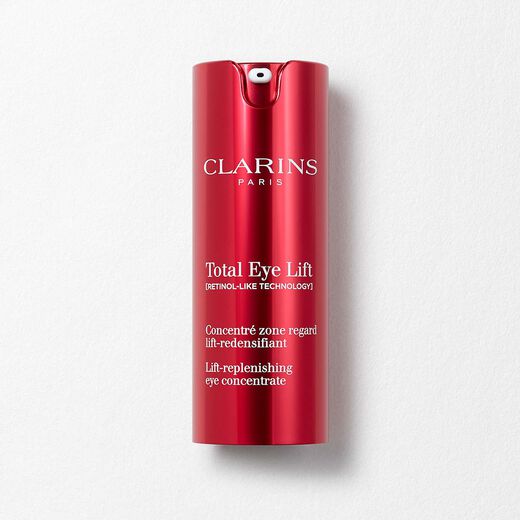
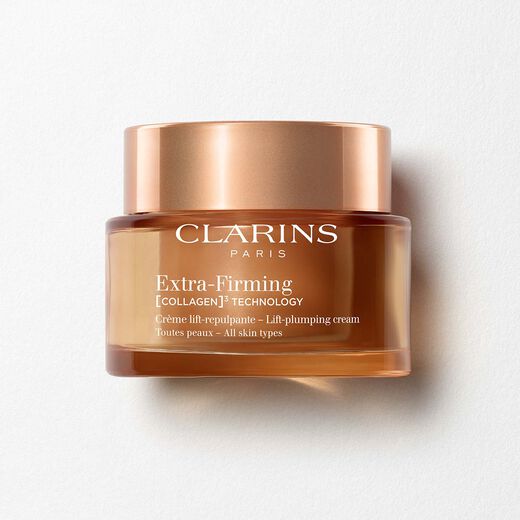
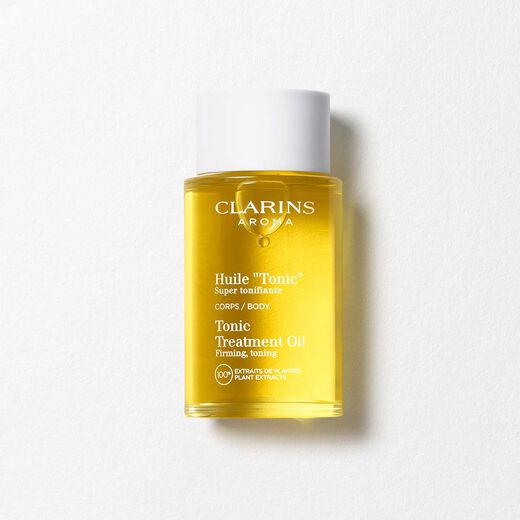
This firming body oil tones whilst helping to improve skin elasticity, making it ideal for reducing the appearance of stretch marks. Often used as a stretch mark oil , this product can be paired with our other Clarins body firming products to enhance effectiveness.
Frequently asked questions
What is the Subscription Service?
Subscription Service allows you to order your favourite products and schedule repeat orders based on your preferred frequency so that you never run out. Our Subscription Service gives you 10% off every order. It is the most convenient way for you to get your favourite products delivered automatically, based upon your chosen frequency.
The service is easy to use and customisable, you can make changes online whenever you need to. An email reminder 10 days before each order ships. You can change your delivery frequency, next order date, or quantity anytime by visiting ‘Subscription Service’ located within your account. Changes to orders can be made any time before the next scheduled shipment date, and you can cancel at any time.
You have full control of your Subscription Service orders and, we will send you an email reminder XX days before each order ships
You can change your delivery frequency, next order date, or quantity anytime by visiting ‘ Subscription Service’ located within your online account. Please ensure modifications are made at least 24 hours before your scheduled shipment date.
How do I subscribe to the Subscription Service?
Subscribing is easy, it can be done while browsing on a product page or while reviewing items in the shopping bag.
To get started, simply select the Subscription Service option for your desired product, select your preferred shipment frequency and then check out while logged into your Clarins account.
What types of payment are accepted for Subscription Service?
All Subscription orders require a credit or debit card payment. Kindly note we cannot accept e-Gift Certificates, PayPal or ApplePay for the Subscription Service. Unfortunately, you cannot apply loyalty or birthday vouchers to your Subscription Service orders.
What will happen after I subscribe to the Subscription Service?
After you subscribe to the Subscription Service, you will receive an email confirming your subscription.
This email will include a link to access the ‘ Subscription Service’ section in your account where you can manage your future orders, replenishment items and account information.
We will place your Subscription Service orders automatically according to your selected frequency, and you will only be billed on the day the order is shipped. We will send you an email reminder 10 days before each Subscription Service order.
You will also receive email notifications regarding other important information related to your Subscription Service account, such as if your item is discontinued, out of stock or confirmation if you cancel your Subscription Service subscription.
Subscription Service items will ship automatically until you cancel. By placing an order, you are authorising Clarins to charge your card for future orders at the frequency and quantity you selected.
How do I make changes to my Subscription Service order?
Once you’ve subscribed, the Subscription Service is easy to manage. You can change your next order date, skip an order, change your selected frequency, or cancel an upcoming order by visiting the Subscription Service section in your www.clarins.com.sg account. Please ensure modifications are made at least 24 hours before your scheduled shipment date.
How to change an order date:
Click the ‘Change Date’ button to the right of the next shipment date then select a new date for your order. This will change the order date for the entire Subscription Service order.
How to skip a delivery:
Click the ‘Skip Order’ button to the right of the upcoming order date. Delivery will be postponed until the following cycle according to your selected frequency.
How to change shipment frequency:
The current delivery frequency is displayed next to each replenishment item in a dropdown menu next to ‘Every’. Select your next desired frequency from the dropdown menu.
How to expedite an order:
Click the ‘Send Now’ button to the right of the upcoming order date.
How to pause an item:
Click the ‘Pause’ link to the right of the item you wish to pause. You’ll be prompted to select a shipment resume date. Once you’ve selected the date and clicked the ‘Pause’ button, your replenishment will be paused until chosen date.
How to remove Subscription Service item from upcoming order (one-time):
Click the ‘Remove’ link to the right of the item you wish to remove. You’ll be prompted to confirm this action. The item will not be sent with your other items in your next Auto-Replenishment order, but it will continue to ship in future orders unless you cancel the Auto-Replenishment subscription for that item.
How to cancel Subscription Service:
To cancel an Subscription Service, please visit the ‘Subscription Service’ section within your account and click the ‘cancel subscription’ link to the right of the item you wish to cancel. You’ll be prompted to confirm this action and indicate your reason for cancelling. Once you’ve selected a cancel reason and clicked the 'Cancel Subscription' button, your replenishment will be cancelled, and no future orders will be placed. You will receive an email notification confirming this action. Please ensure modifications are made at least 24 hours before your scheduled shipment date.
The inactive subscription will display at the bottom of your Subscription Service page, so if you change your mind you can easily reactivate it.
How do I make changes to my account information?
To review or modify your Subscription Service account information, visit ‘Subscription Service’ located within your account.
To change your shipping address for an order, click the ‘Change Shipping’ link located directly below the current shipping information. Select a previous shipping address from the dropdown menu or create a new one to add to your account. Please remember to click ‘Save Changes’ and verify that your updated information saved successfully. This address will apply to all Subscription Service current and future orders.
To change your default credit card for an order, click the ‘Change Billing’ link located directly below the current billing information. This will take you directly to the payment details section in your account where you can edit and add new payment information. Please remember to click ‘Save Card’ and verify that your updated information saved successfully. This payment method will apply to all auto-replenishment current and future orders.
Please ensure modifications are made at least 24 hours before your scheduled shipment date.
How do I combine items to be in the same order?
Subscription Service items that have the same order date, shipping address, billing address and payment method will ship as one order.
If you have more than one Subscription Service item and want the items to ship within the same order, we would suggest amending the next order dates to be the same within your online account.
Do double check your shipping address, billing address and payment details match.
Can I add items to my next order with an existing Subscription order?
Yes, you may do so by logging into your account and visit the product page. You will find the ‘Add to my order on (date)’ button, once you click onto this button, you will have the option to add the item to your next scheduled order as one-time delivery only or as an Subscription item.
Why did the price of my subscription item change?
Clarins individual product prices may go up or down over time. If the price of your subscription item changes, the new price will be shown in your order review email and will be applied only on future shipments. You can review your subscription price and edit or cancel your subscription at any time.
Does my Subscription order qualify for online promotions?
When initially opting for the Subscription Service on Clarins.com, your order may qualify for promotions that are offered on the site at that time. However, subsequent Subscription orders do not qualify for promotions that may be available on the site at the time of order.
Please note that the Subscription discount on initial order may not be combinable with all promotions. The offer is not combinable with the Welcome offer or major sales events such as Friends & Family, 618, Double 11 and Black Friday.
How will I know if an item in my subscription has been discontinued?
If an item in your Subscription order becomes discontinued, we will send you an email notifying you that your subscription for that item will be cancelled.
Can I change my shipping method for Subscription orders?
No, Subscription orders will always ship via our Economy shipping method (3-5 business days). If you need an item as soon as possible, we recommend purchasing the product(s) in one of our offline store and setting your Subscription items to ship at a later date.
Will I earn rewards such as points on my Subscription orders?
Yes, you’ll continue to earn points as part of the Rewards Program on the initial order and recurring subscription orders. Please visit
Need additional support?
To speak to our customer service team, email at customercare@sg.clarins.com or use Live Chat (9:30 AM - 12:00 PM | 2:00 PM - 6:00 PM, Monday to Friday, excluding public holidays) and we will be happy to assist you.